Thoughtful, detailed coverage of the Mac, iPhone, and iPad, plus the best-selling Take Control ebooks.


Pick an apple! 
 
Mysteriously Moving Margins in Word

In Microsoft Word 2008 (and older versions), if you put your cursor in a paragraph and then move a tab or indent marker in the ruler, the change applies to just that paragraph. If your markers are closely spaced, you may have trouble grabbing the right one, and inadvertently work with tabs when you want to work with indents, or vice-versa. The solution is to hover your mouse over the marker until a yellow tooltip confirms which element you're about to drag.

I recently came to appreciate the importance of waiting for those tooltips: a document mysteriously reset its margins several times while I was under deadline pressure, causing a variety of problems. After several hours of puzzlement, I had my "doh!" moment: I had been dragging a margin marker when I thought I was dragging an indent marker.

When it comes to moving markers in the Word ruler, the moral of the story is always to hover, read, and only then drag.


Related Articles


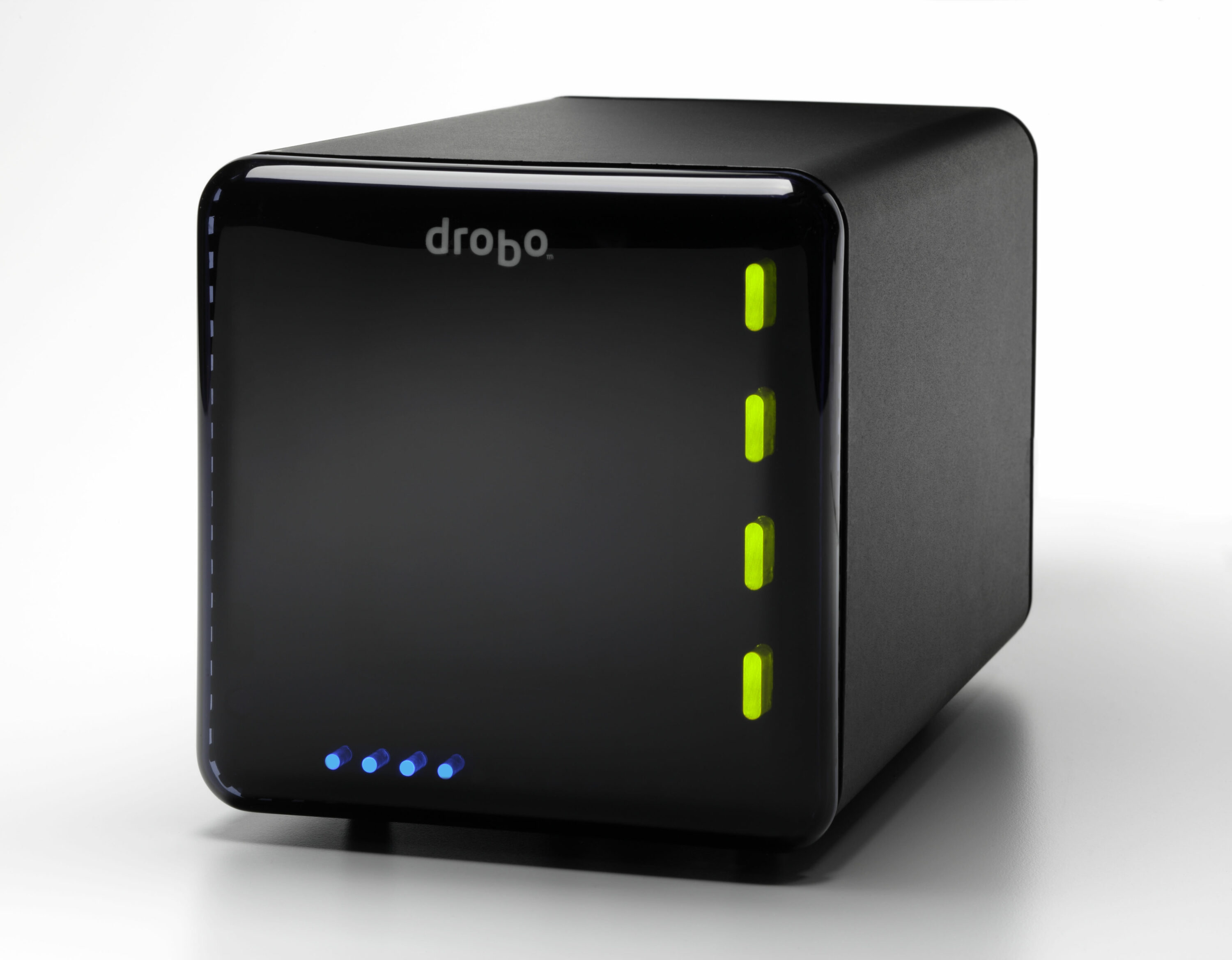
DealBITS Discount: Save Up to $125 on a Drobo

Send Article to a Friend

Congratulations to Nate Bedortha at gmail.com, whose entry was chosen randomly in the last DealBITS drawing and who won a Drobo, worth $399. But we still have a deal for you even if you didn't win, since Data Robotics is offering a number of discounts to all TidBITS readers through 12 July 2010. They are:

  • Buy a four-bay Drobo with two 1 TB drives for $524, a $75 savings.
  • Buy a four-bay Drobo with four 1 TB drives for $674, a $125 savings.
  • Save $100 on a five-bay Drobo S either by itself, or with drives.
  • Save $100 on a five-bay network-attached Drobo FS either by itself, or with drives.

To take advantage of these offers, order through the online Drobo Store and use the discount code "DROBOBIT". (This pricing is U.S.-only; people in other countries should contact sales@drobo.com.) Thanks to the 2,142 people who entered this DealBITS drawing, and we hope you'll continue to participate in the future!


Fujitsu ScanSnap Scanners — Save your business time and money
with our easy-to-use small ScanSnap Scanner line. Eliminate
paper piles by scanning documents, business cards, and receipts.
Visit us at: <http://www.ez.com/sstb>