Look! Nook Took Books
Look! A book. A book Nook! Nook took books. Books! Look.
Barnes & Noble has changed the name of its ebook-reading software for iOS from eReader to Nook. Nook is also the name of its separate ebook reading device, and, as with Amazon’s Kindle, Barnes & Noble has realized that it should brand the entire ecosystem with the same name. This brings its iPhone/iPod touch-compatible app in harmony with the separate Nook for iPad app, also updated with the new name.
Download the new Nook app, and log in with your Barnes & Noble credentials. You can then download titles again that you want locally, and set up the appearance of book pages once more. The revised app supports fast-app switching (see “What is Fast App Switching?,” 23 June 2010), and renders details at the iPhone 4’s higher resolution.
In testing, I found the Nook app to offer substantially more choice than iBooks and Kindle in setting up the appearance of a page, without providing too many or poor options. Barnes & Noble made excellent choices in the fonts offered for onscreen display.
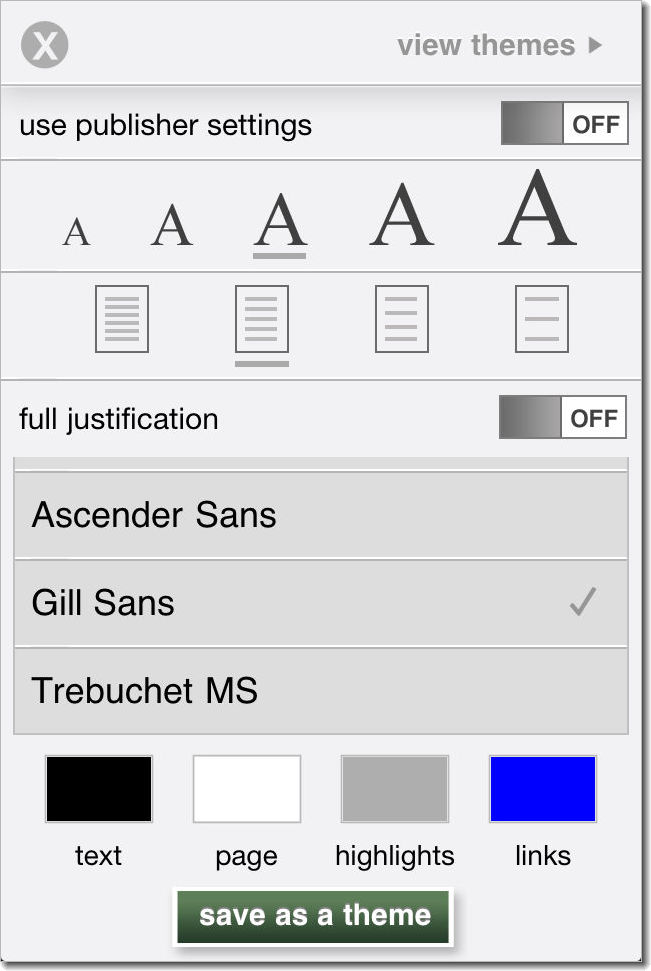
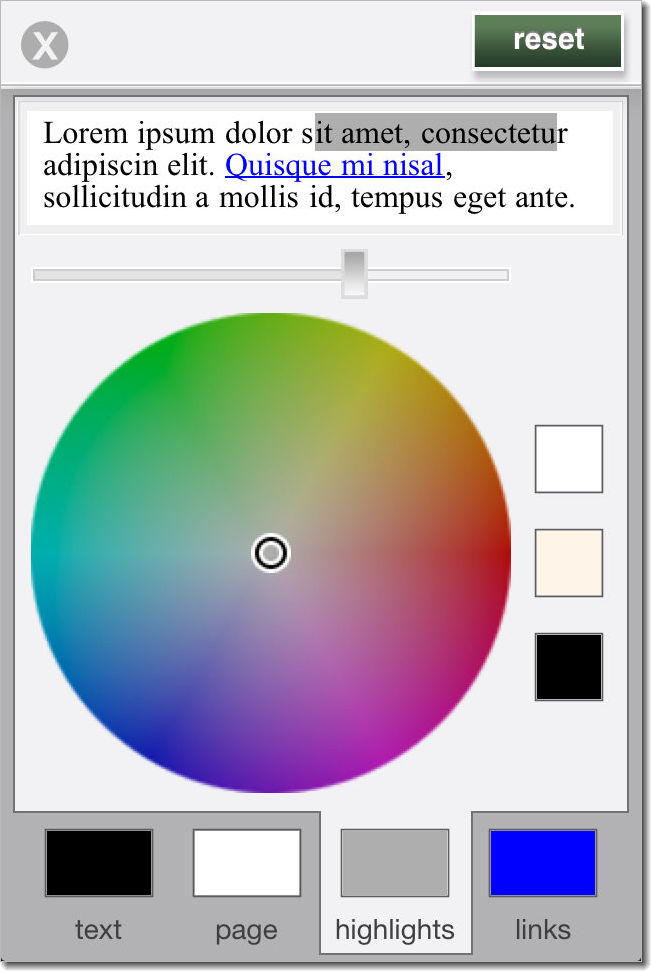
You can also set the margins of a page (nearly flush to the four edges or indented), and choose colors for particular elements instead of picking from preset colors.

The revised iOS app is a separate download from the previous eReader app. You can remove the old app, but you will lose all annotations, highlights, and notes. Barnes & Noble (at least in the eReader release) didn’t synchronize such information with a central server, unlike Apple with iBooks and
Amazon with Kindle.
You also lose any custom themes you set up in eReader – specific combinations of background color, font, and type size. If you want to keep notes and settings, retain the old app.
Alas, only available in the US App Store.