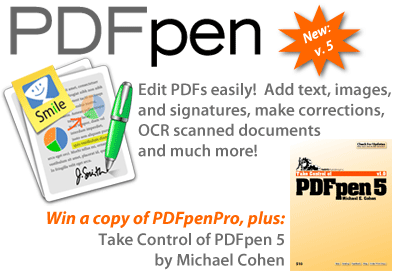
DealBITS Drawing: Win a Copy of PDFpenPro 5
We’ve written about Smile’s PDFpen software on a number of occasions, since it’s great for editing and marking up PDFs in a wide variety of ways. You can correct text, redact text, tweak graphics, add your signature to a PDF contract, merge PDFs, move pages around, make comments in the PDF, and loads more. For most people, PDFpen is all you need. But PDFpen’s big brother, PDFpenPro, offers three additional features:
- You can create a multi-page PDF from a Web site, with PDFpenPro converting each linked page as necessary as many levels deep as you need. This could be useful for taking a snapshot of a site, or putting it in a format where you can mark it up or make comments.
- You can create PDF-based interactive forms with text fields, checkboxes, and radio buttons—the data can be returned via email or the Web.
-
You can create and edit the table of contents (also known as bookmarks—the links that appear in the sidebar in Preview) for a PDF. A table of contents makes a PDF much more navigable.
So if you want to win one of three copies of PDFpenPro 5, worth $99.95, enter at the DealBITS page. And we’ll sweeten the deal even further, by including as part of the prize a copy of Michael E. Cohen’s ebook, “Take Control of PDFpen 5,” which tells you everything you need to know about how to use PDFpenPro.
All information gathered is covered by our comprehensive privacy policy. Remember too, that if someone you refer to this drawing wins, you’ll receive the same prize as a reward for spreading the word.
I like PDFpen much better over Acrobat! Edits go quicker and smoother. My first choice for pdf customization!