Google Serving Itself DMCA Takedown Notices on Chrome Videos?
Update: It’s all working now, so take a look at the videos to get a sense of what Chrome can do. -Adam
So I decided that even if Google’s new Chrome Web browser is available only for Windows right now, I should take a look through the feature videos to get a feel for what’s forthcoming for Mac users.
“One box for everything.” Sounds great. -click- “We’re sorry, this video is no longer available.” Gee, I wonder if Google served itself a DMCA takedown notice on the Tolkien reference.
“New Tab page.” I’m in favor of that. -click- “We’re sorry, this video is no longer available.” Hmm, perhaps Chrome’s tabs are a bit too kinky for YouTube.
“Application shortcuts.” -click- “We’re sorry, this video is no longer available.” Grr…
“Dynamic tabs.” -click- “We’re sorry, this video is no longer available.” -click- “We’re sorry, this video is no longer available.” -click- “We’re sorry, this video is no longer available.” -click- “We’re sorry, this video is no longer available.” Oh, never mind.
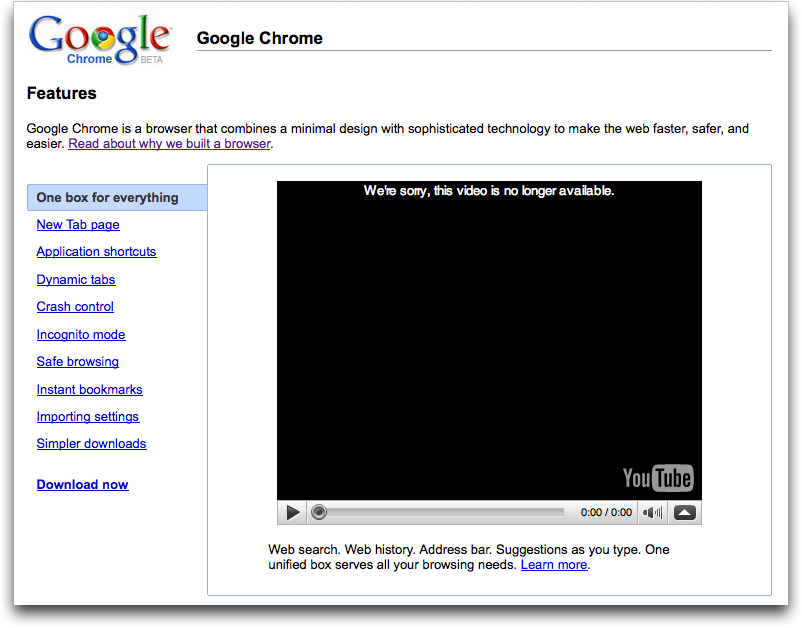
Maybe I’ll try again in a few minutes.