Does the iOS 26 Lens Cleaning Hint Work?
I was looking for a tip to write for our TidBITS Content Network subscribers recently, and I remembered that iOS 26 added a feature that promised to alert you if your iPhone’s lens needed cleaning. Indeed, in the PDF listing all iOS 26 features, there it is, with a footnote that says it applies only to the iPhone 15 and later:
Lens cleaning hint
Camera will detect if the lens is smudged and display a message recommending cleaning it for the clearest possible photo.
The feature is on by default, but if you don’t want these reminders for some reason (a lens that you know is scratched but aren’t fixing?), you can turn them off in Settings > Camera > Lens Cleaning Hints.
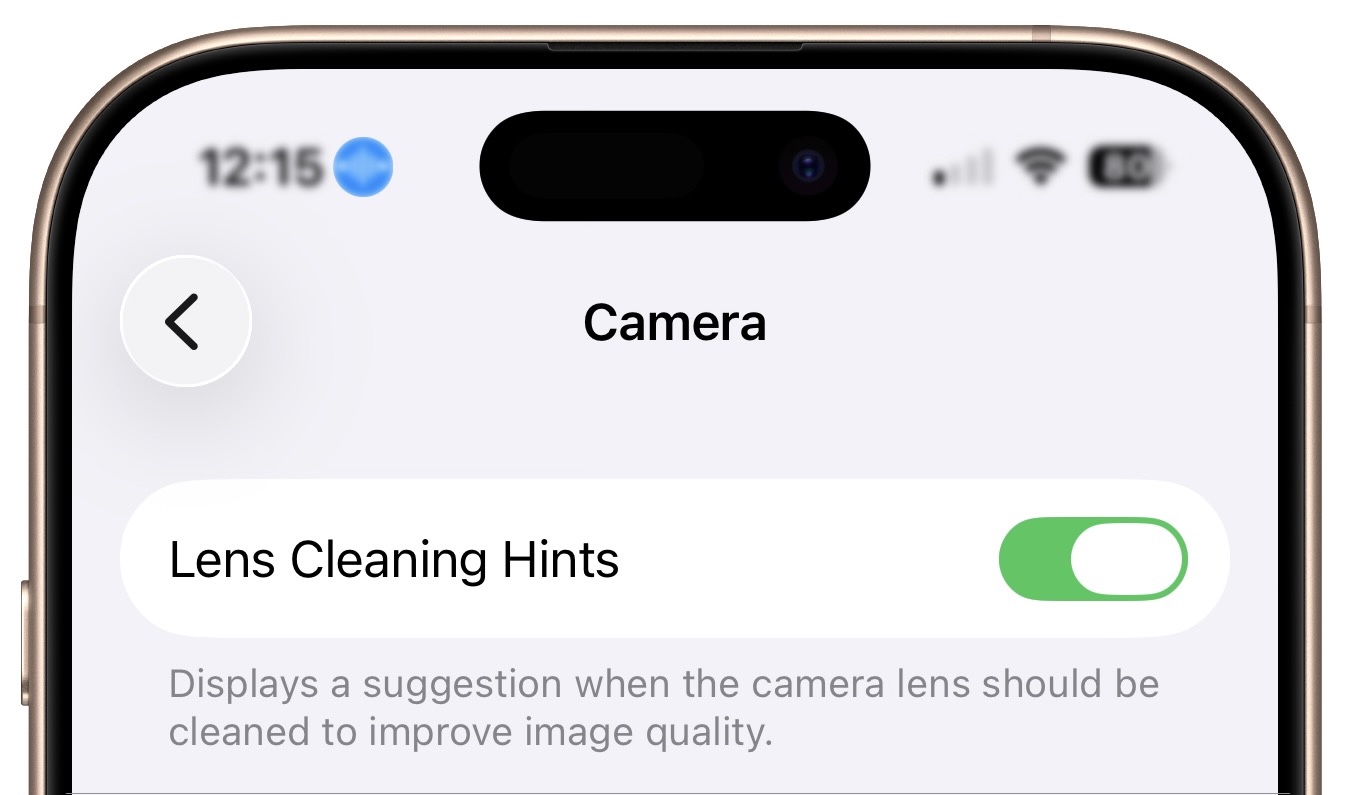
Great! But before I started writing the tip, I thought the screenshot would be better as a two-up illustration, with one screenshot showing the message suggesting that I clean the screen. So I smudged the lenses on my iPhone 17 with fingerprints. But no message appeared.
That sent me down to the kitchen to find something else that would smudge the lens more seriously. I dismissed anything greasy, like olive oil or salad dressing, that would make cleaning the lens after the test difficult. After casting around briefly, I saw a bowl of cherry tomatoes—perfect! I cut one in half and smeared its juices all over both lenses, complete with some seeds. (Yes, I subsequently ate the tomato.)
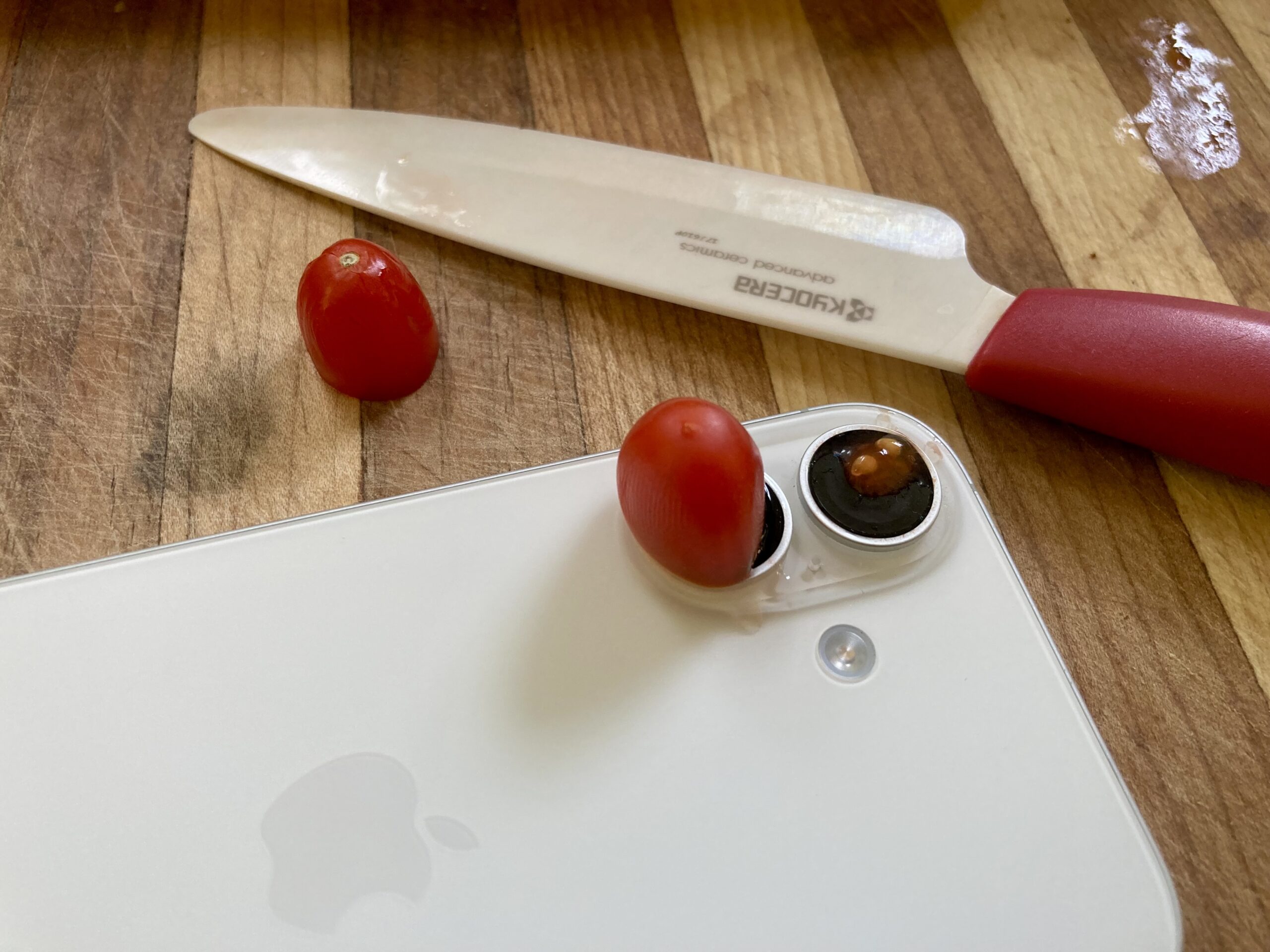
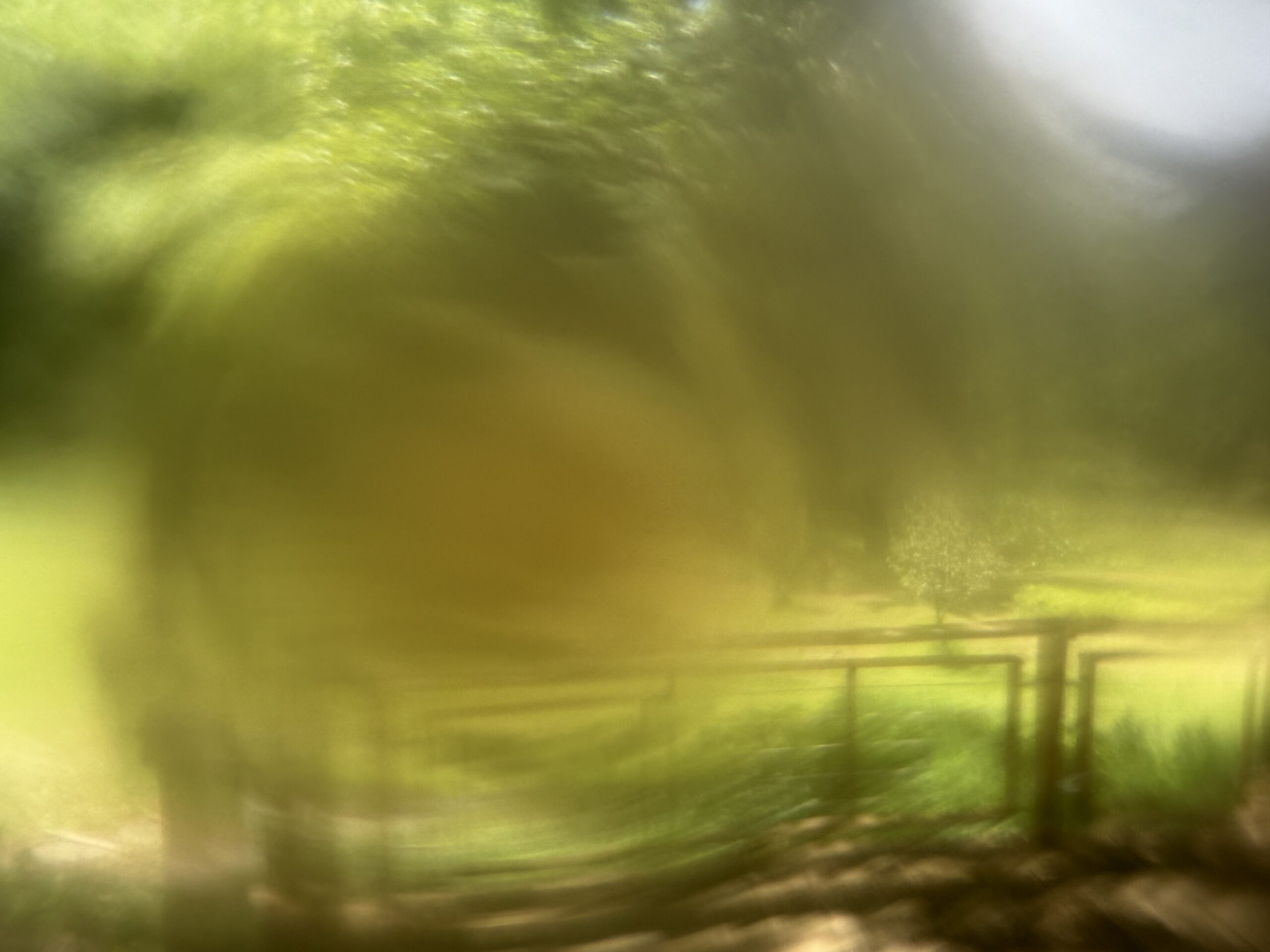
Shockingly, when I opened the Camera app to take a picture, no message appeared, even though the resulting photo was an impressionistic masterpiece. I call it Landscape with Solanum Occlusion. If that doesn’t count as smudged, I don’t know what would.
Curious as to whether this feature has worked for anyone, I did some searching and found a few posts, news articles, and YouTube videos that show the “Clean the camera lens” message appearing at the top of the Camera app’s viewfinder (though several were from the beta). So the feature has worked for some people in some situations, though no one was forthcoming about how they triggered it.
Fearing my fingerprint test was too subtle and the tomato smear too extreme, I wondered if a light dusting of flour might hit the sweet spot. It didn’t—no message appeared. I’m not alone. Most of the videos I watched about the feature either failed to trigger the message or didn’t even attempt to show it, though only a few presenters acknowledged that fact.
I give up. I can’t say that the lens cleaning hint feature is categorically broken, but I can say with some assurance that it doesn’t work on my iPhone 17 running iOS 26.5.1. Let us know in the comments if you’ve ever seen this message or if you can get it to appear reproducibly on your iPhone.


There’s one of those “huh” features.
I got the “clean lens” message about two weeks ago while I was using Scanner Pro to capture a set of receipts. It was a small message overlaid on the live image (yes, literally a “hint”). I didn’t think the lens was dirty, and wiping it didn’t clear the message for the next image.
I have not seen it since.
I can confirm that: 1. It works; and 2. It seems to work at random.
I’d call Landscape with Solanum Occlusion one “cherry” photo!
I got the message once recently when I was taking a pic through a dirty glass panel so the lens itself was clean (enough) but I had the phone on the glass panel which was very dirty on the other side and that did trigger the warning.
It was when trying a shot similar to Station 439 | Panda Mery | Flickr The dirty glass that triggered the warning was a secondary safety door in the tube. It didn’t trigger for that shot but that safety door may have been slightly cleaner or I just found a cleaner spot on it.
Yes, I found the feature was helpful a couple of times while I was in Europe recently. Twice I received the message and on both occasions the lens did have dirty marks that were easily removed. I don’t recall what I did to dirty the lens, perhaps it was the ham and cheese baguette I was eating at the time!
I got this message once on my brand new iPhone 17 about six months ago. The lens was indeed dirty. Cleaning it made the message disappear and it never came back–hopefully because I tend to clean the lenses regularly now. YMMV.
Yes, I had it happen Yesterday. I have a lens protection on my iPhone 17 and Yesterday, it complained my lens was dirty and it had smudges on it…not really dirty but def. not clean either. I wiped it with a moist cloth and all is good now.
I did update to the newest OS version the day before Yesterday; maybe that had something to do with it
Yes, it works regularly on my 15 Pro when finger smear clouds the lenses. Useful.
Got the tip for the first time last week on my iPhone 17 Pro. It wasn’t obviously dirty, but I cleaned the lenses and it hasn’t reappeared.
It’s not entirely mythological. I’ve gotten it while taking a photo in the rain, and when shooting out a dirty bus window.
I have seen the message only once. The lens was clean but I took a picture from a tower in a very smoggy Dubai.
Can anyone who has seen it cause it to happen reproducibly with fingerprint smears?
Hi Adam! I’ve never seen this message on my iPhone. I’m only commenting here to commend you on this demonstration of how far you will go to get information for us readers. Surely this is the first time you’ve used tomatoes when researching. Bravo!
I’ve only seen this shooting through dirty windows. No way to get rid of it as far as I could see; I just ignored it. “Cleaning” the lens didn’t seem to have any effect.
I got the message about three weeks ago after a flight from the US to Oslo on my 16 Pro. It happened when I took it out of Airplane mode. The lens didn’t look dirty to me, but I cleaned it and it went away.