AppBITS: Fidelia Offers Audiophiles Precise Control over Music Playback
It pains me to share this, but I’m not an audiophile. I enjoy listening to music a great deal, and I know what I like, but beyond some basic level of quality—FM radio? Low-end stereos? HomePods?—I can’t be bothered to seek out ways of making music sound better. I’m not even sure to what extent I can determine what “better” means, though I have a sneaking suspicion that it mostly equals “louder than I would normally play it, though not too loud.”
All that’s by way of explaining why I’m telling you about Audiofile Engineering’s Fidelia, a music player designed for people who care deeply about audio playback, can hear subtle differences, and are willing to invest time in crafting their ideal audio pipeline. That’s not me, but from comments I’ve seen over the years, many of you may fall into that category.
Audiofile Engineering describes Fidelia as a “high-fidelity audio player” that offers “bit-perfect playback with professional DSP, Audio Unit hosting, and headphone virtualization.” It’s not new—the first version shipped in 2011—but developer Patrick Krekelberg had worked with Audiofile Engineering for years and acquired the company in 2017. For version 2.x (currently 2.9.6), he rewrote Fidelia from scratch.
Visually, Fidelia is a welcome throwback to the heyday of skeuomorphism, referencing both the industrial design of stereo components from the late 1970s and Apple’s own aesthetic from the early 2000s. It’s a lovely bit of brushed metal, and a welcome change from macOS 26’s Liquid Glass design, which emphasizes content rather than controls. You can choose from four preset sizes, and if you want the player even larger, a Scale slider in the General settings lets you double its size—it almost fills the width of a 27-inch Studio Display. There’s also a vertical Mini Player if you prefer that orientation. Because everyone who reads TidBITS knows how to use a stereo, the only thing that might confuse you, as it did me, is the Volume knob, which responds not to circular drags but to either straight vertical or (if you toggle a setting) horizontal drags.
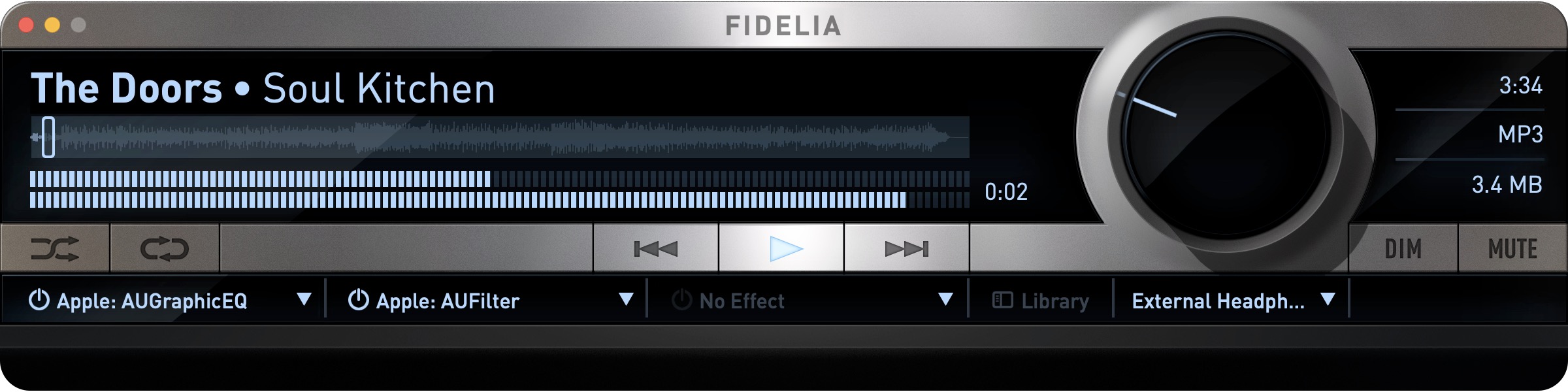
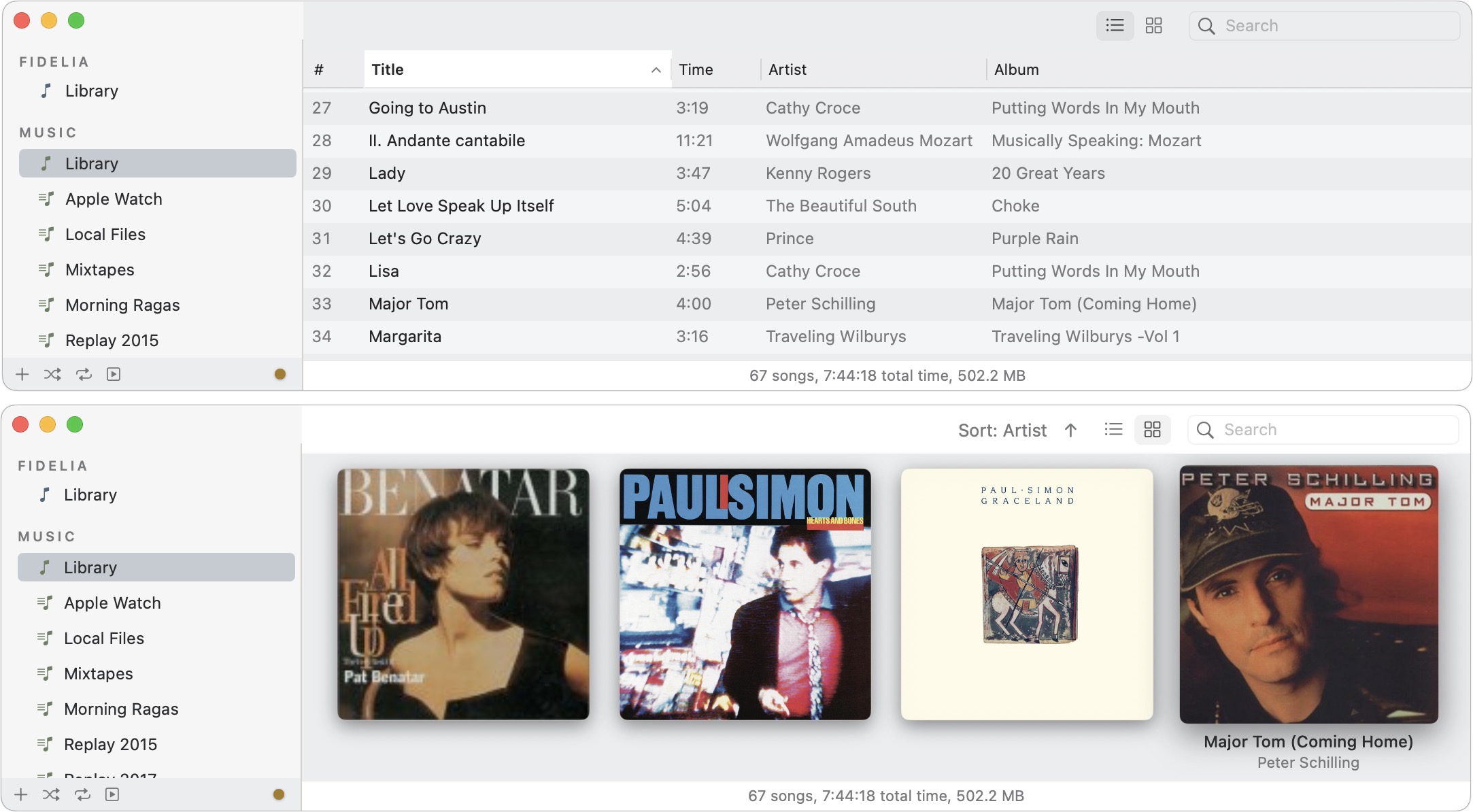
Fidelia focuses on playing audio files from your drive, with support for numerous formats ranging from MP3 and AAC to FLAC and ALAC, plus standards like AIFF and WAV. Although it doesn’t support any online music services like Apple Music or Spotify, it can play Internet radio stations. Happily, if you’ve stored your music collection in the macOS Music app, Fidelia can access those tracks directly. It uses a standard list view by default, but there’s also an attractive album-centric view if you prefer.
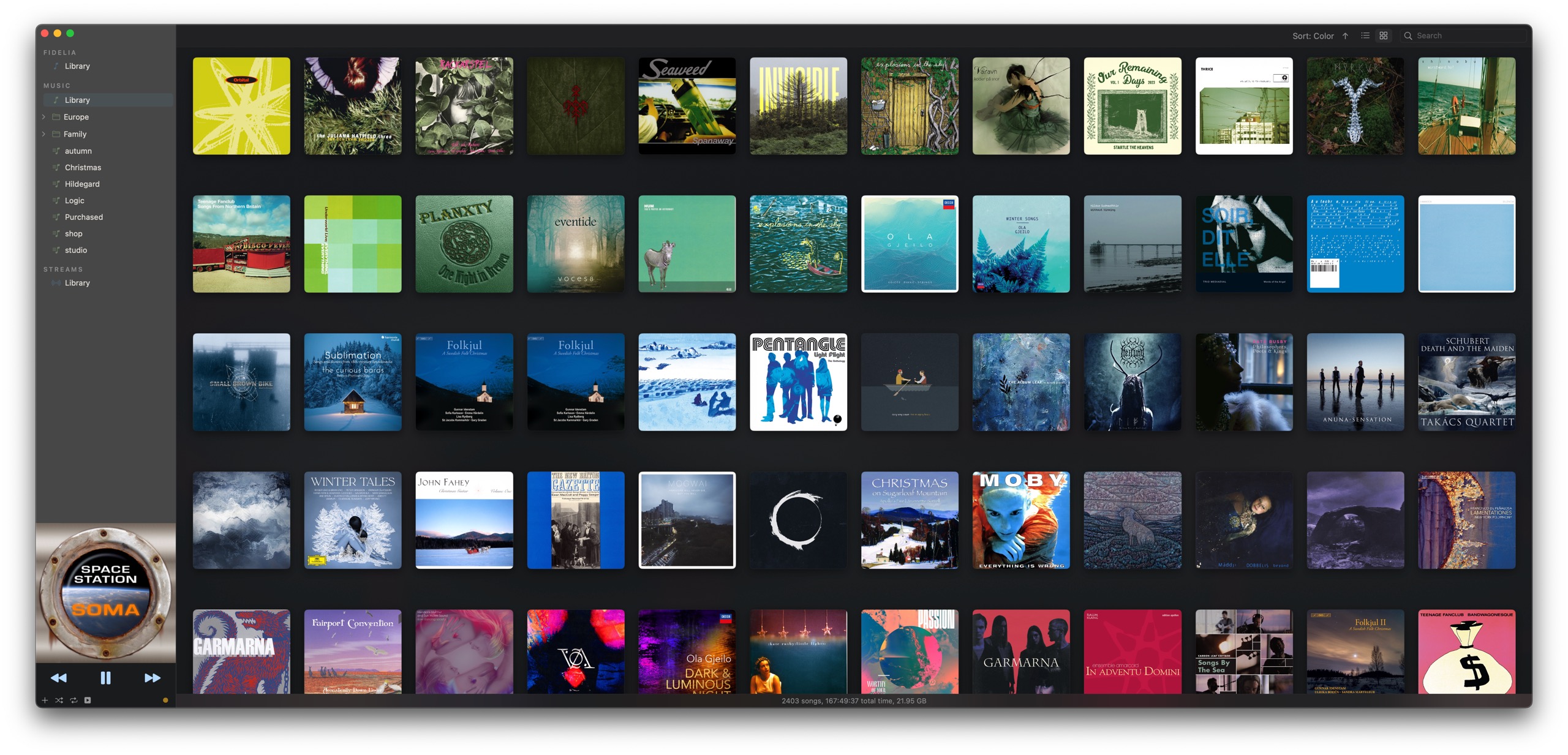
Patrick Krekelberg tells me he’s working on some design-related features that may expand Fidelia’s audience to non-audiophiles for whom the visual interface is paramount, notably a color-coded album wall.
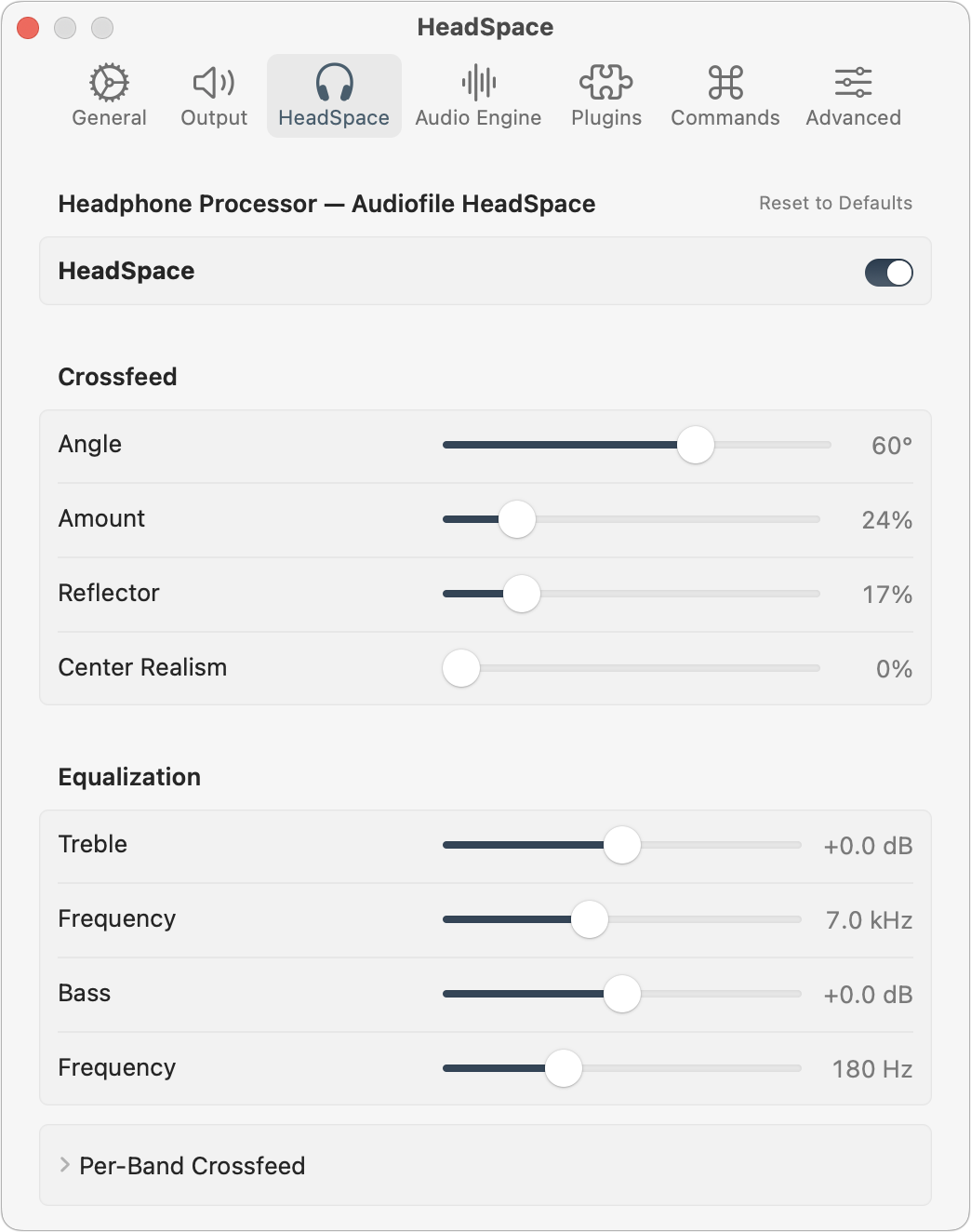
People who want to tweak every aspect of their audio will find numerous options in several Settings panes. I’ll freely admit to having no idea what Output options like “Play DSD bit-perfect (DoP)” mean, but it’s not available on my MacBook Pro anyway. Headphone users will likely appreciate the HeadSpace options, which enable you to simulate the spatial characteristics of physical speakers. They let you configure speaker angle, channel bleed, reflection, and per-band crossfeed, among much else. Fidelia is built on top of the Audiofile Engine, and you can configure numerous settings there too, including sample rate conversion, filter steepness, and dithering type.
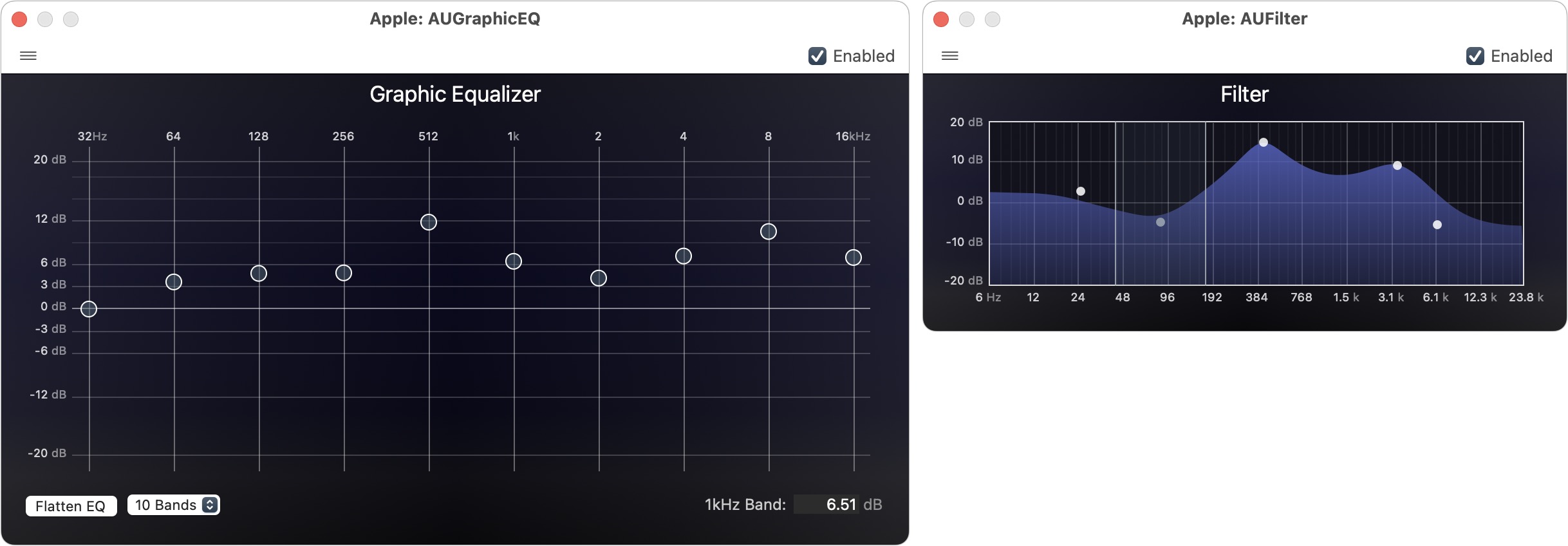
But the most control comes from the Audio Unit effects you can apply to audio output. You can apply up to three effects at once; I chose AUGraphicEQ and AUFilter, though I was immediately overwhelmed by the 31-band equalizer and had to switch to the 10-band version. Once you select an effect, click it to open its configuration window, where you can drag things around while listening to hear how it changes the sound. After you configure an effect, you can determine whether it’s better or worse by toggling it on and off using the On/Off button next to it in the player window.
Overall, I enjoyed poking and prodding at Fidelia and the Audio Unit effects, and I might even have succeeded in tweaking them to make my music sound better than when played through the Music app. But again, I’m far from being an audiophile. If you are, I encourage you to give Fidelia a try. It’s available only through the Mac App Store as a 14-day trial, with a one-time introductory price of $49.99 that will rise to $69.99 soon. It requires macOS 14 Sonoma and runs on both Macs with Apple silicon and Intel-based Macs. A free Fidelia Remote app lets you control Fidelia from your iPhone.
Start the discussion in the TidBITS Discourse forum