macOS 27 Golden Gate Sharpens Tahoe’s Blurry Icons
Last year’s macOS 26 Tahoe brought with it an outpouring of community disdain for Apple’s Liquid Glass-inspired icon redesigns, which we covered in “BasicAppleGuy’s macOS Icon History” (9 September 2025) and “Tahoe’s Terrible Icons, Another Take” (5 November 2025). Although Apple will never back down entirely on Liquid Glass, the company implicitly acknowledged the criticisms in its WWDC keynote, saying:
Finally, let’s talk about app icons. Last year, we redesigned all of our app icons to establish a more harmonious look across apps and platforms. This year, we’re taking this new design even further by integrating additional layers of liquid glass directly into the icon artwork itself. Not only does the refraction between these layers add character to each icon, but this new approach also makes icons appear sharper and more defined. They look great in your dock, on your home screen, or when they’re put into an all-clear look.
The key words there are “makes icons appear sharper and more defined.” Now you can judge for yourself in BasicAppleGuy’s latest icon roundup, where he notes:
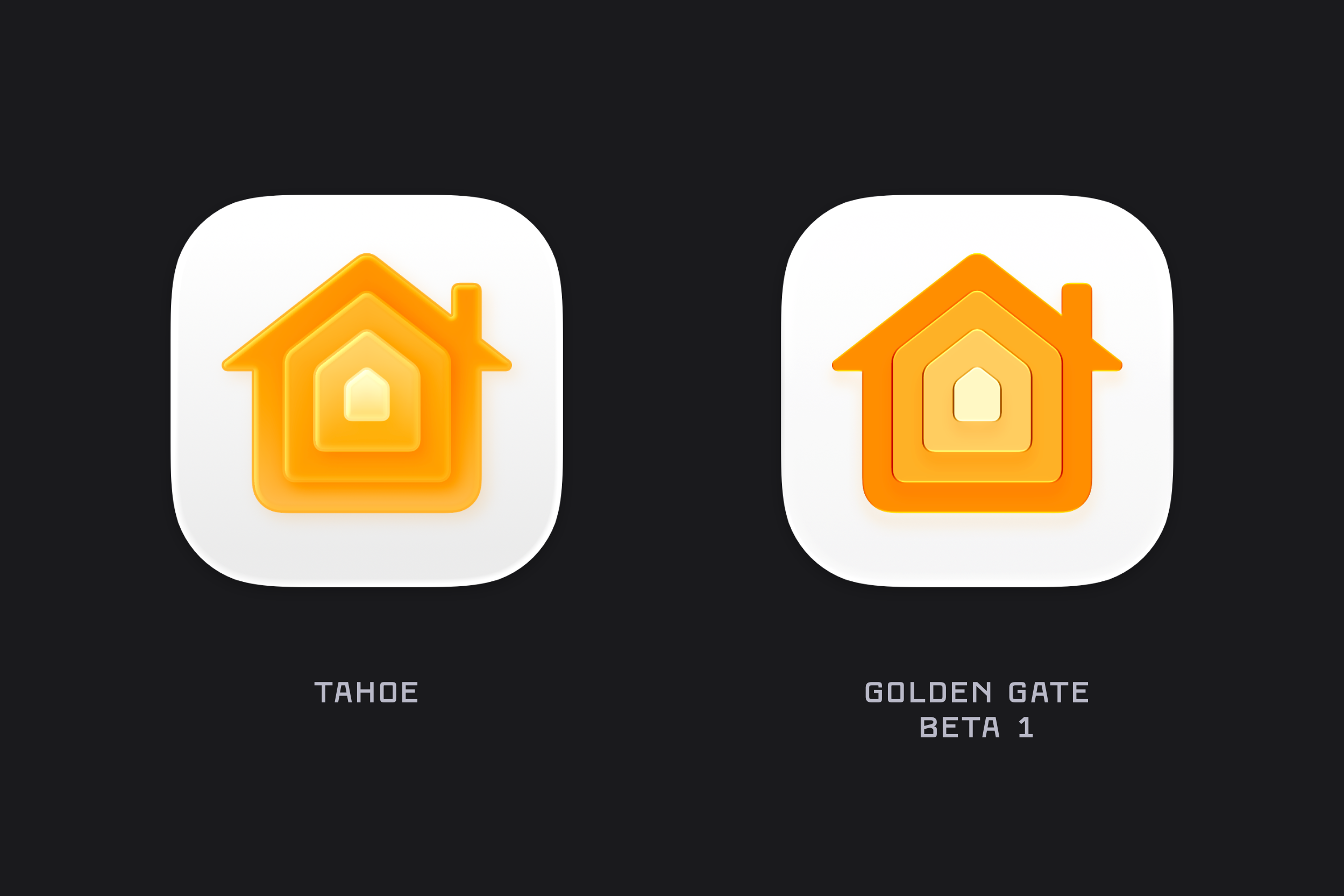
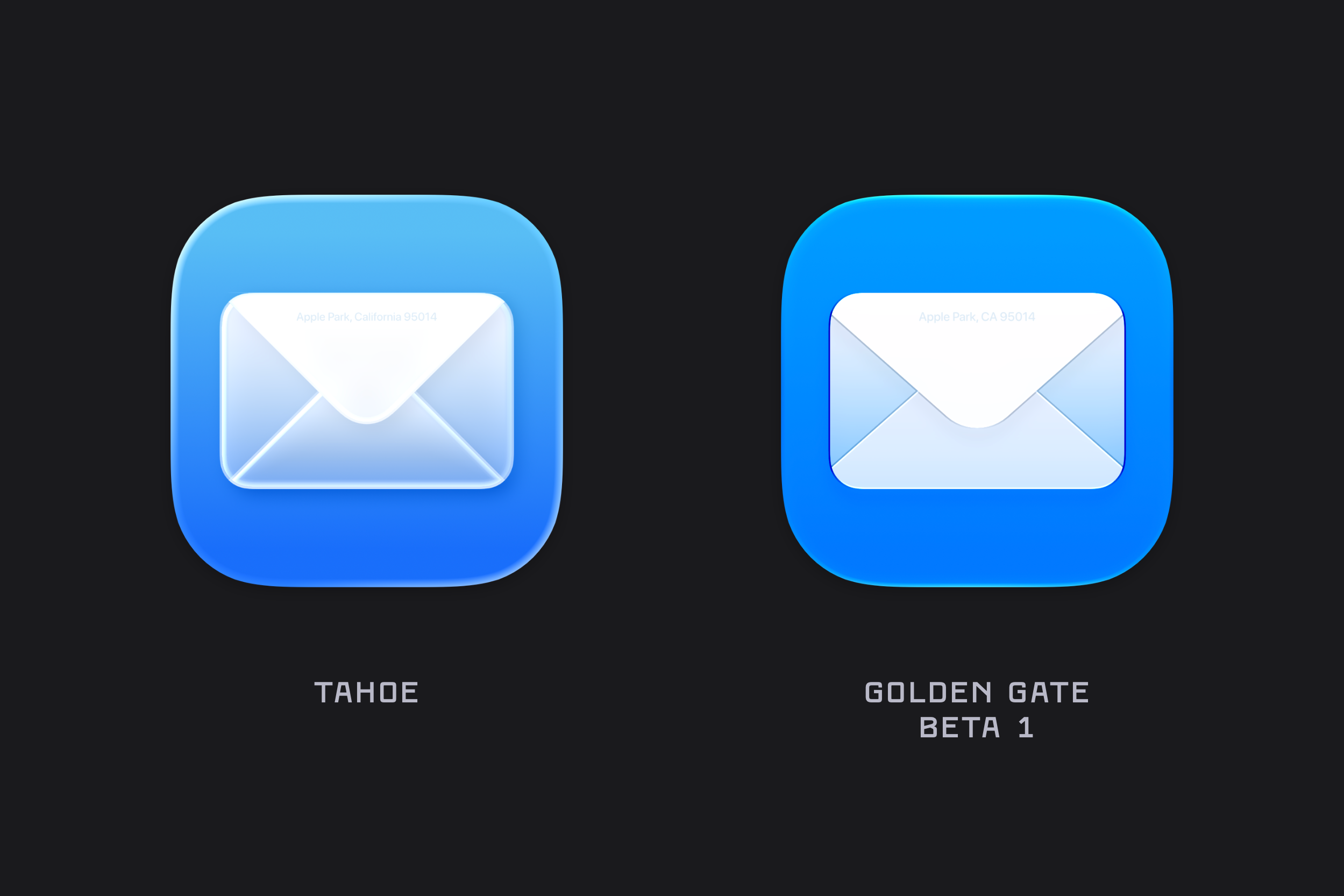
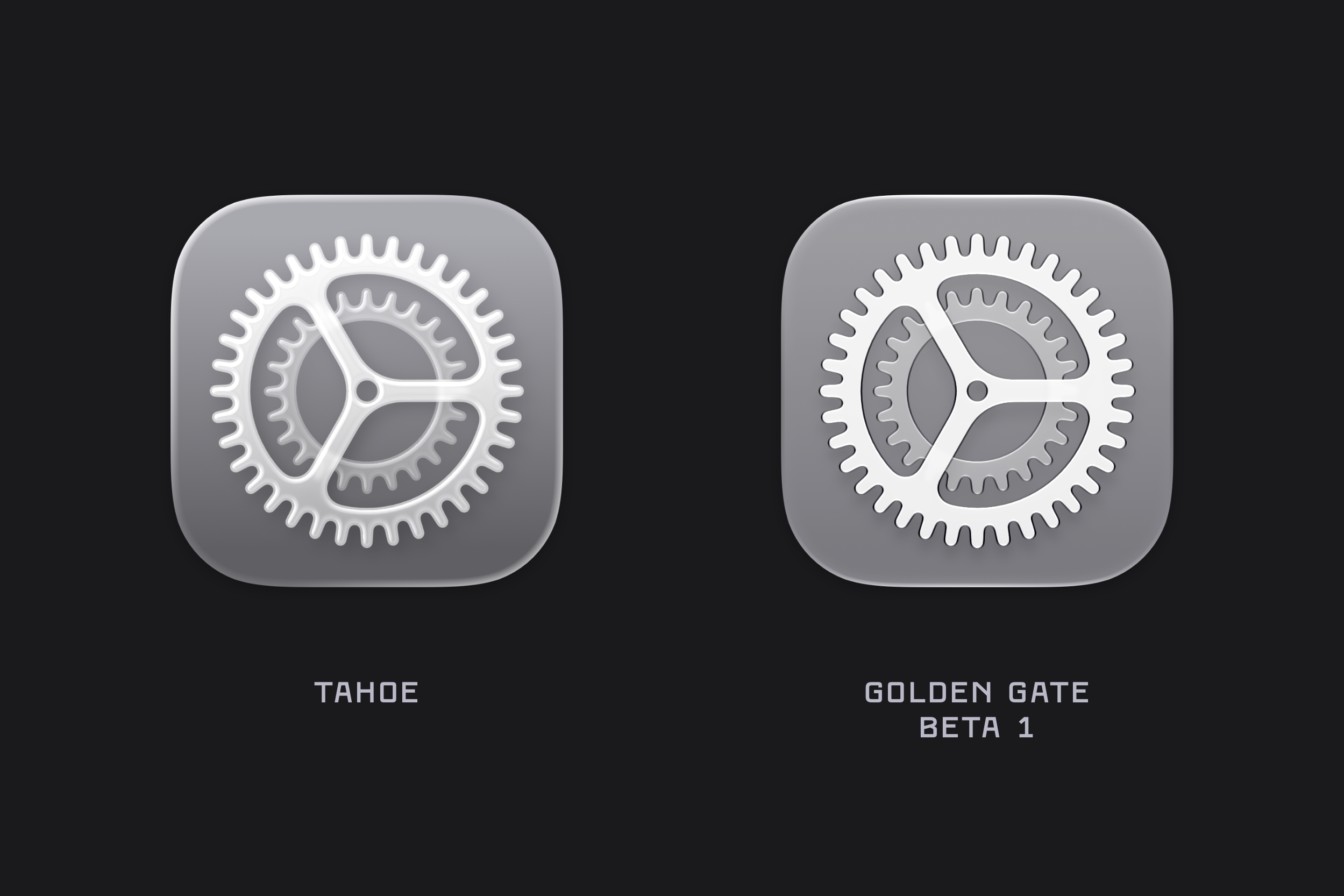
One of the first things I noticed after installing the macOS Golden Gate beta was the updated icon design. The colours are much bolder, several icons have been adjusted, and the refraction in the Liquid Glass effect has changed significantly, especially in icons like Journal. There’s also a noticeable sharpness to the icons, along with a flattening of the Liquid Glass effect.
Overall, many of the icons have improved in macOS 27 Golden Gate. I’m partial to the new versions of Home, Mail, and System Settings, all of which are brighter, crisper, and more distinct. Click each one to expand it and see the details.
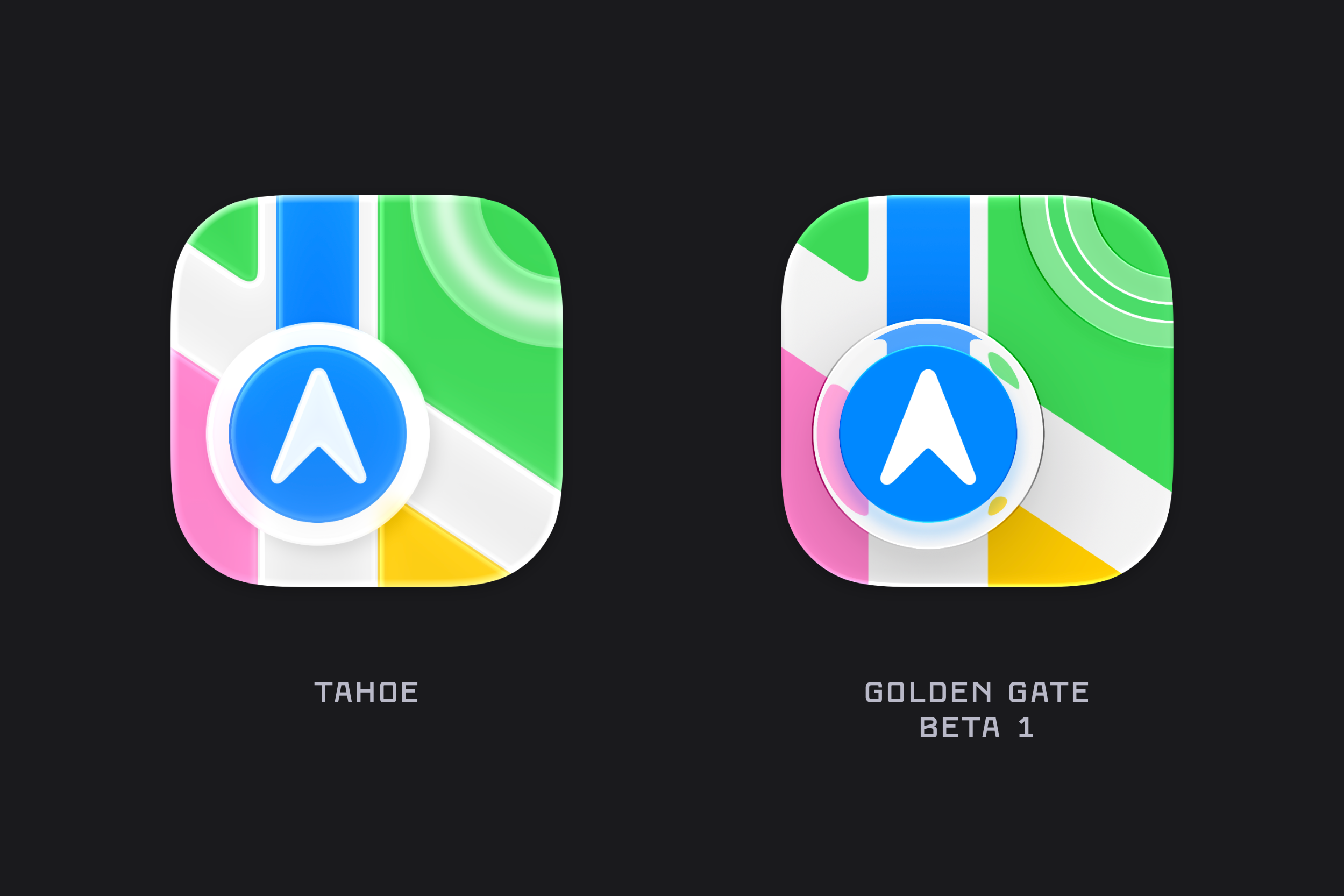
However, I think Apple is taking the multiple layers of Liquid Glass too far with the new Maps icon, which gets messy underneath the transparent circle.
I haven’t installed any of the OS developer betas, but at Six Colors, Dan Moren comments that the icons in iOS 27 and iPadOS 27 are also sharper.
Of course, although Apple invited this level of pixel peeping with its effusive descriptions of Liquid Glass last year, it’s still worth noting that, for most people most of the time, icons are little colored blobs whose primary job is to provide distinguishable targets for clicking or tapping throughout Apple’s operating systems. Which makes it even more of a shame that Apple didn’t back down on forcing all icons to be the same squircle shape—shape is at least as important as color for distinguishing icons.


Baby steps back in the right direction.
They need to restore the ability for them to have actual shapes again.
But at least now I won’t get literal eye strain from looking at them.
Yes please! I thought the cataracts in my right eye were getting worse.