
Mactracker 8.2.3
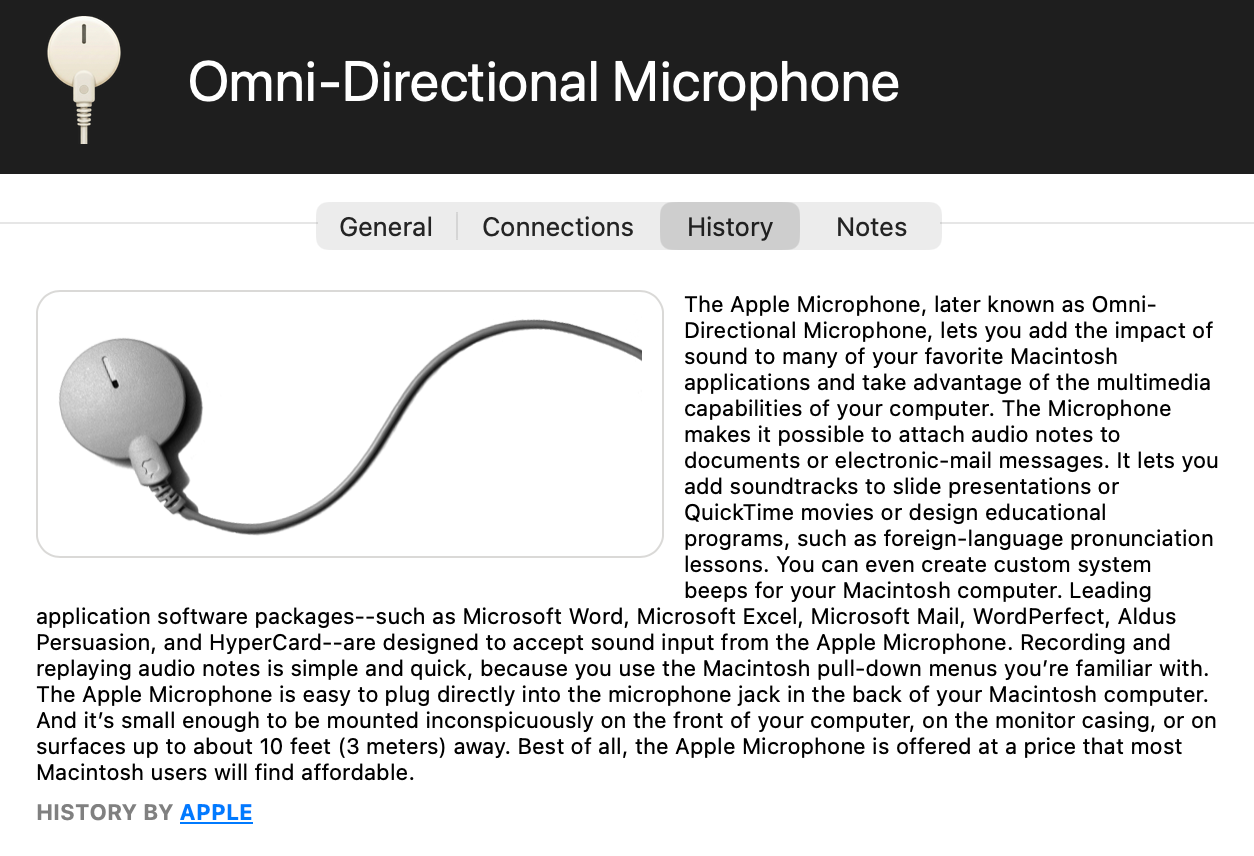
Ian Page has released Mactracker 8.2.3 with several 1990s throwback additions to his popular encyclopedia of Apple products. The update adds Apple’s Omni-Directional Microphone, Newton Keyboard, Newton Fax Modem, Power Macintosh Processor Upgrade Card, and Macintosh PowerBook DVD-Video Kit. The app also adds a Components category, fixes an issue with exporting My Models, and adds details on the latest operating system releases. (Free from the Mactracker website or the Mac App Store, 267.5 MB, release notes, macOS 11+)


So I launched it with no offer to upgrade to 8.3. Have 8.2.3. I could NOT find any “check for upgrades” or anything like that. I DO remember a while back that I did get an upgrade notice, just not this time.
Glad to see that he’s willing to change his mind!
Re: Power Macintosh Processor Upgrade Card
I put one of these in my Centris 650 and got the following System Overview screen:
I sent him a note suggesting that this was now effectively a new model that warranted inclusion as such in the database. As I recall, his dismissal of my idea was quite brusque.
Now he’s at least listed the Upgrade Card. In his History tab for this Component, he says
Unfortunately, no-where does he say what those models were. Also, I could be wrong about this but I don’t remember it replacing the existing processor card. It went into the Processor Direct Slot and overrode the existing processor but no cards were removed/replaced.
I believe you’re correct. I remember back in the day that some coworkers had a PPC upgrade card installed in a Quadra 950. There was a control panel to activate/deactivate the card, allowing you to use either the 68040 or the PPC (requiring a reboot as a part of switching).
According to Wikipedia, this card plugged into the 68040 socket on the motherboard. It had its own 68040 socket where you would put the removed CPU, allowing you to switch between the two processors.
On the other hand, the photo on the Wikipedia page definitely shows a slot interface. So maybe they made a PDS version in addition to a CPU-socket version. (The Wikipedia article says that an LC PDS slot doesn’t provide enough power for it.)
The Check for Updates command is under the MacTracker app menu. In general, Check for Updates will almost always be in the app menu or the Help menu.
That was the first place I looked at… oh, I have 8.2.3.
In the App Store app, open ‘App Store Settings’. The first checkbox item says ‘Automatic Updates’.
If App Store’s Automatic Updates setting is ON, then the apps (that are shown on the ‘Updates’ screen of App Store app, one of which is Mactracker) does not have any Check for Updates menu command. Instead, the app automatically updates itself without notice.
Only if you downloaded it directly from mactracker.ca.
If you installed via the App Store, then that option will not be present - you’ll have to use the App Store to check-for and install upgrades.
Thanks for chiming in about the Mac App Store version, folks!